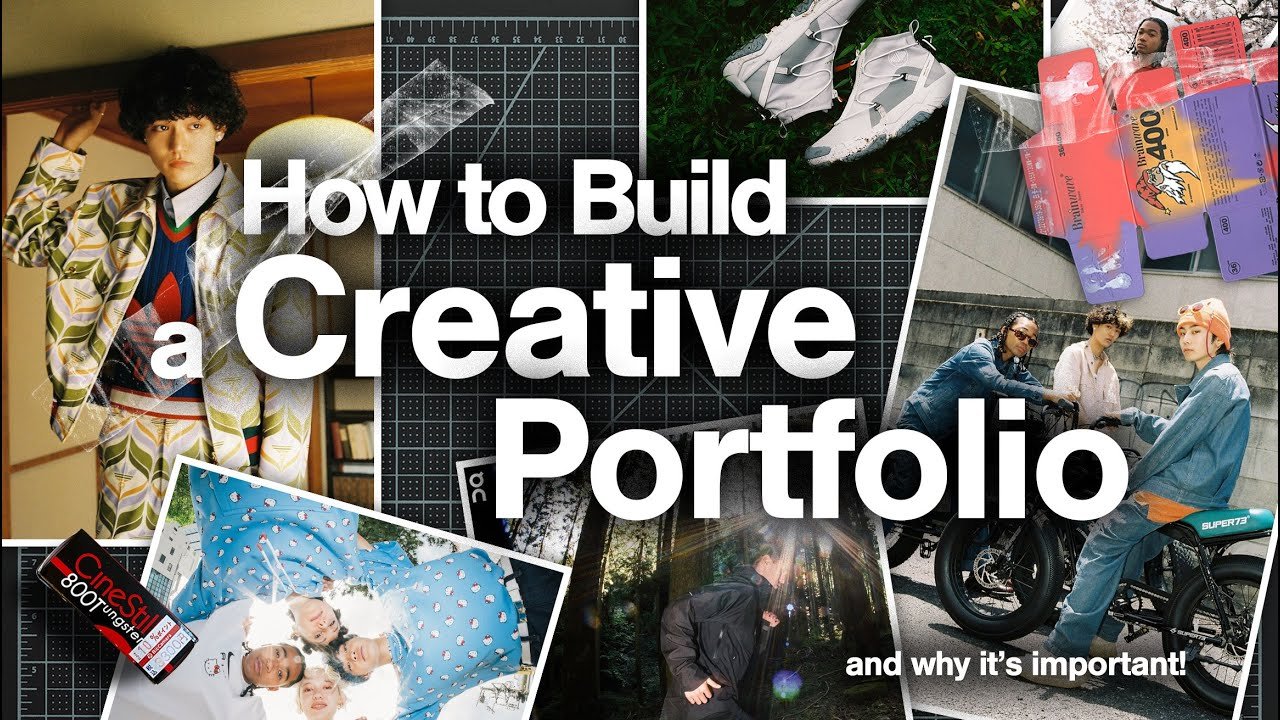
Are you ready to take your career to the next level? Whether you’re a designer, developer, writer, photographer, or any creative professional, having a strong portfolio can make all the difference. This Portfolio Building Guide walks you through everything you need to know to build one that truly represents your best work and attracts opportunities.
In today’s competitive world, employers and clients don’t just want to hear about your skills — they want to see them. That’s where building a strong portfolio becomes essential. Let’s dive into this complete guide and make the process simple and effective.
Why You Need a Portfolio in 2026
A well-crafted portfolio is more than just a collection of projects. It tells your story, highlights your growth, and proves your capabilities.
Many professionals still rely only on resumes, but a dynamic portfolio lets you stand out. With the rise of remote work and freelance gigs, online portfolio creation has become a must-have skill. It gives you a professional online presence that works for you 24/7.
Step-by-Step Portfolio Building Guide
Building your portfolio doesn’t have to be overwhelming. Follow these practical steps and you’ll have something impressive in no time.
1. Define Your Goals and Target Audience
Before adding any projects, ask yourself: Who am I trying to impress?
- Are you targeting tech companies?
- Creative agencies?
- Freelance clients?
Knowing your audience helps you choose the right projects and tone. This is one of the most important portfolio tips for success — tailor everything to speak directly to your ideal viewer.
2. Select Your Best Work
Quality beats quantity every time. Pick 6–12 projects that showcase different skills and results.
Include:
- Projects with measurable outcomes (e.g., “Increased user engagement by 45%”)
- A mix of personal and client work
- Recent work that reflects your current abilities
This careful selection is key when building a strong portfolio.
3. Choose the Right Platform for Online Portfolio Creation
You don’t need to be a coding expert anymore. Several user-friendly platforms make online portfolio creation easy:
- Behance or Dribbble – Great for visual creatives
- GitHub + personal site – Ideal for developers
- WordPress, Wix, Squarespace, or Carrd – Perfect for custom control
- Notion or Framer – Modern and interactive options
Pick one that matches your style and budget. A clean, fast-loading site creates a great first impression.
4. Craft Compelling Project Case Studies
Don’t just show the final result — tell the story behind it.
For each project include:
- The challenge or problem
- Your role and process
- Tools and techniques used
- Results and impact
- Lessons learned
High-quality case studies are among the best portfolio tips for success because they demonstrate problem-solving skills, not just pretty visuals.
Design and User Experience Tips
Your portfolio itself is a project. Make sure it’s easy to navigate and visually appealing.
Portfolio tips for success in design:
- Use plenty of white space
- Keep navigation simple (Home, About, Projects, Contact)
- Make it mobile-friendly
- Use consistent branding (colors, fonts, logo)
- Add subtle animations if they enhance the experience
Remember: slow websites or confusing layouts can hurt your chances even if your work is excellent.
Building a Strong Portfolio: Common Mistakes to Avoid
Even experienced professionals sometimes make these errors:
- Adding too many weak projects
- Using low-resolution images
- Writing vague descriptions like “This was fun”
- Forgetting contact information
- Not updating the portfolio regularly
Avoid these pitfalls and focus on clarity, quality, and personality when building a strong portfolio.
How to Showcase Personality and Growth
A great portfolio isn’t just about work — it’s about you.
Include:
- A friendly “About Me” section with your story
- Your values and design/development philosophy
- Testimonials from clients or colleagues
- A blog or process journal (optional but powerful)
This human touch makes your portfolio memorable and helps online portfolio creation feel more authentic.
Optimizing Your Portfolio for Search Engines
Want recruiters and clients to find you? Apply basic SEO to your site:
- Use clear page titles and meta descriptions
- Add alt text to images
- Include relevant keywords naturally (like “Portfolio Building Guide”)
- Create a sitemap and submit to Google Search Console
These small efforts can significantly increase visibility.
Promoting Your New Portfolio
Once it’s live, don’t hide it!
- Share on LinkedIn, Twitter/X, and relevant communities
- Add the link to your email signature and resume
- Ask for feedback from mentors
- Update it every time you finish a new project
Consistent promotion turns your portfolio into a powerful career tool.
Measuring Success and Iterating
Track visits, time on site, and inquiries. Use tools like Google Analytics to see what’s working.
Treat your portfolio as a living project. Regularly refresh it based on new skills and feedback. This ongoing approach is crucial for long-term building a strong portfolio.
Conclusion
Creating an impressive portfolio is one of the smartest investments you can make in your career. This Portfolio Building Guide has given you the roadmap — now it’s time to take action.
Start small, stay consistent, and focus on quality. Whether you’re just beginning with online portfolio creation or refining an existing one, remember that building a strong portfolio is a journey that pays off with better opportunities and greater confidence.
Take the first step today. Your future clients and employers are waiting to see what you can do. Good luck
How long should my portfolio be?
Aim for 6–12 strong projects. Quality matters more than quantity. A focused portfolio is often more effective than one with dozens of average pieces.
Do I need coding skills for online portfolio creation?
Not necessarily. Many no-code platforms like Squarespace, Wix, and Framer let you create beautiful portfolios without writing code.
How often should I update my portfolio?
Update it every time you complete a significant project. At minimum, review and refresh it every 3–6 months.
Is a personal website better than using Behance or Dribbble?
A personal website gives you more control and looks more professional long-term, but starting on established platforms is perfectly fine while you build.